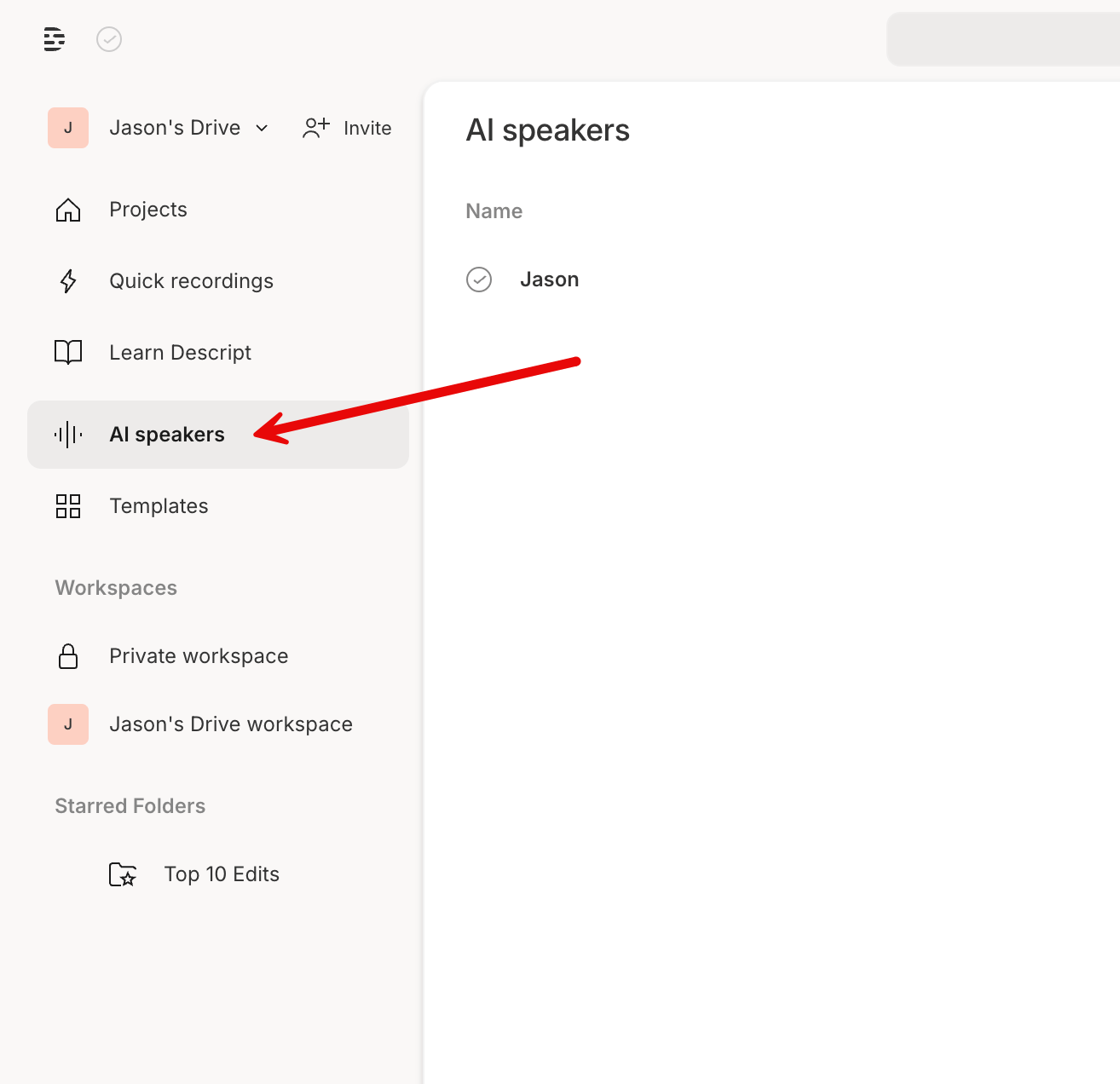
Manage AI Speaker details
You can also manage your AI Speaker details by opening the AI Speakers tab in the Drive view. Select the options icon at the right to see the Speaker details.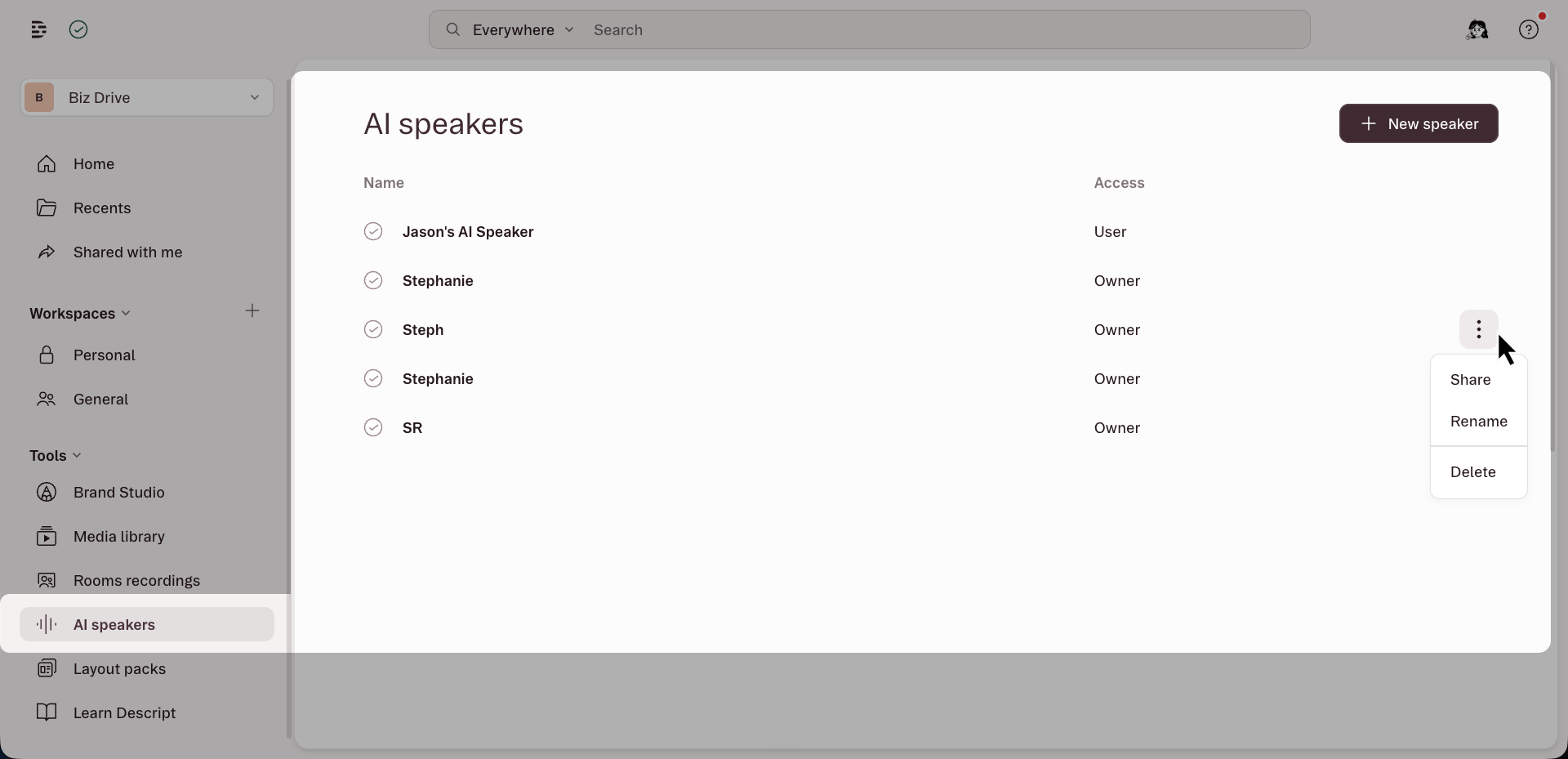
Sharing AI Speakers
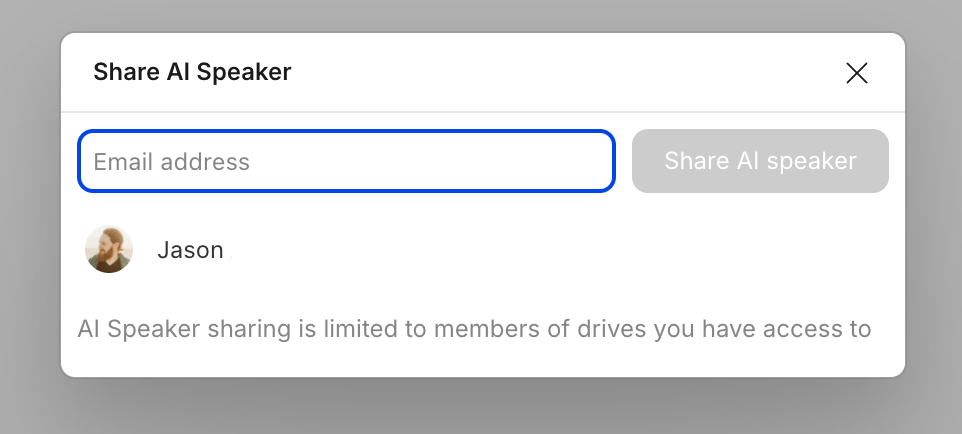
After you create and train a custom AI Speaker, you’ll be able to use that Speaker on any of the drives you have access to. You can also share access to your AI Speaker with members of your Drive, so they can use it, too.