

Where to find the Split button
The Split button appears at the top center of the timeline, to the right of the Record button. It’s visible in both collapsed and expanded timeline views.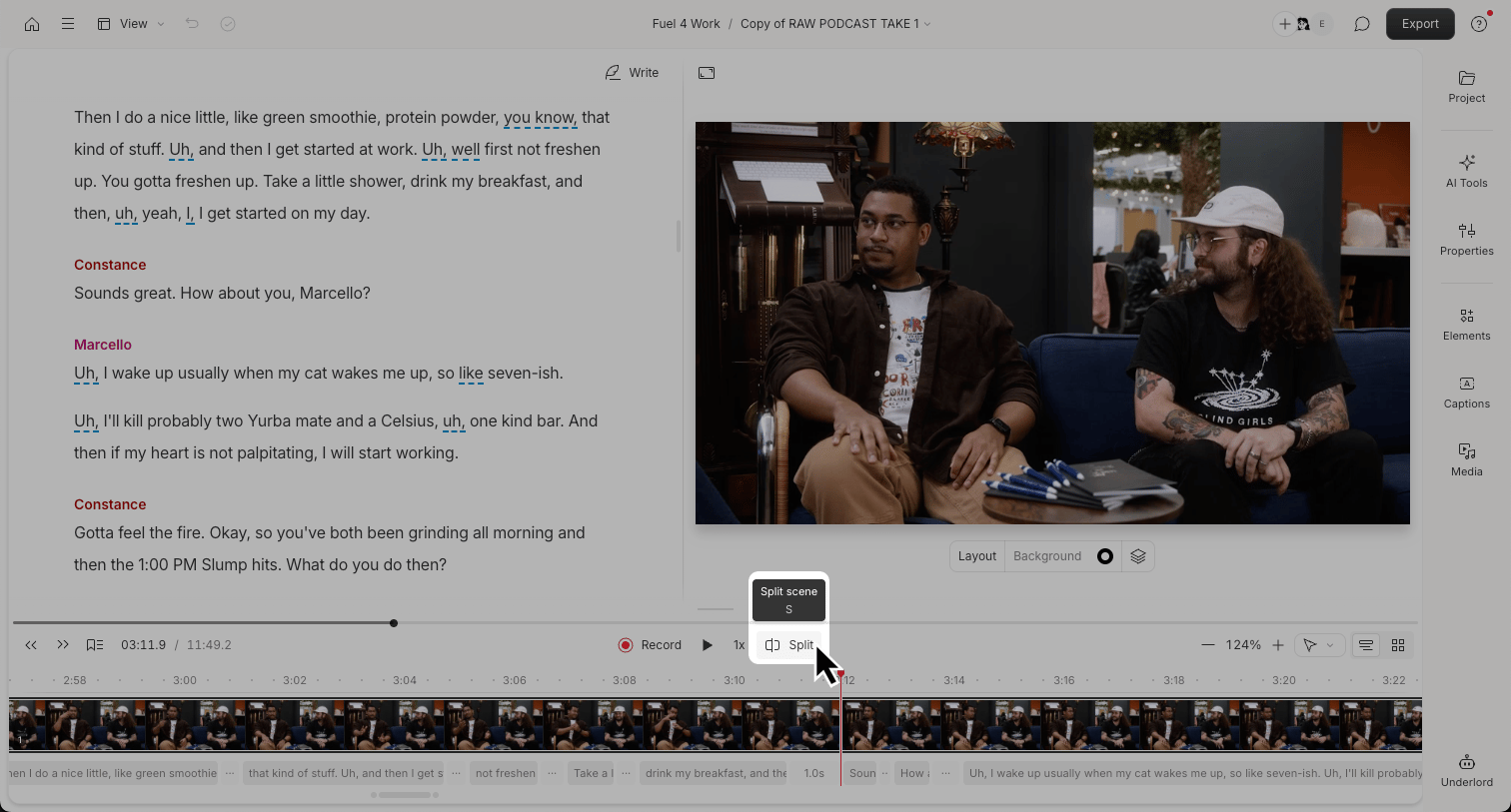
How Split works
The behavior of the Split button depends on your current selection in the timeline: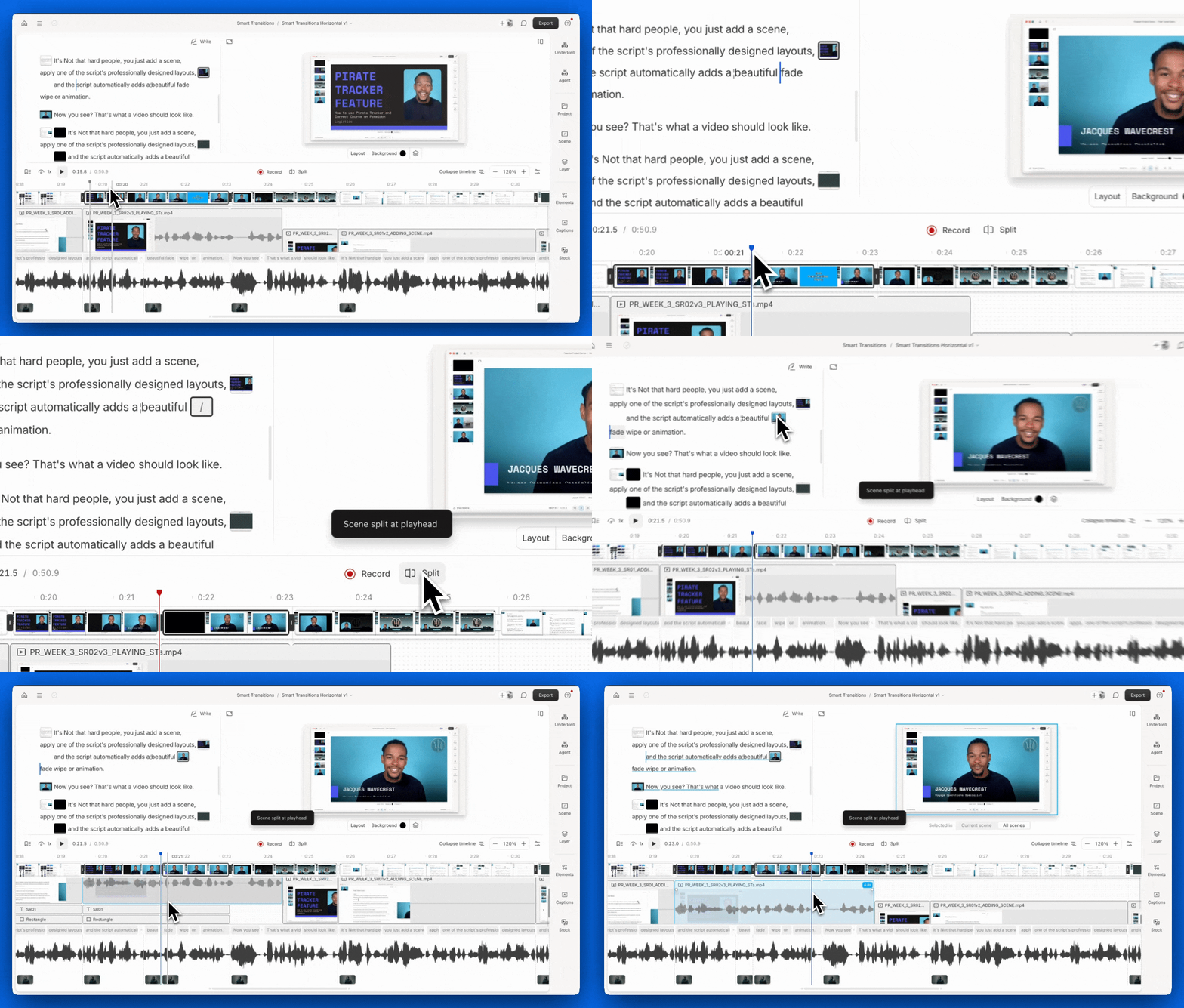
- If there’s no specific layer selected: Splits the current scene at the playhead. This affects all layers and creates a new scene.
- If a specific layer is selected: Splits only that layer within its current scene. Hold
Shiftor useShift + Sto split a media layer into separate clips.