

Before getting started
- Top ups allow you to purchase additional usage beyond your plan’s monthly allowance. To understand how usage is measured, see Understanding Media Minutes and AI Credits.
Purchase a top up
When you’re close to running out of Media Minutes or AI Credits, you’ll see a message letting you know you’ve reached your limit. To purchase top ups:- Open your App Settings. Click your profile photo in the top-right corner of the window, then select Settings from the dropdown menu.
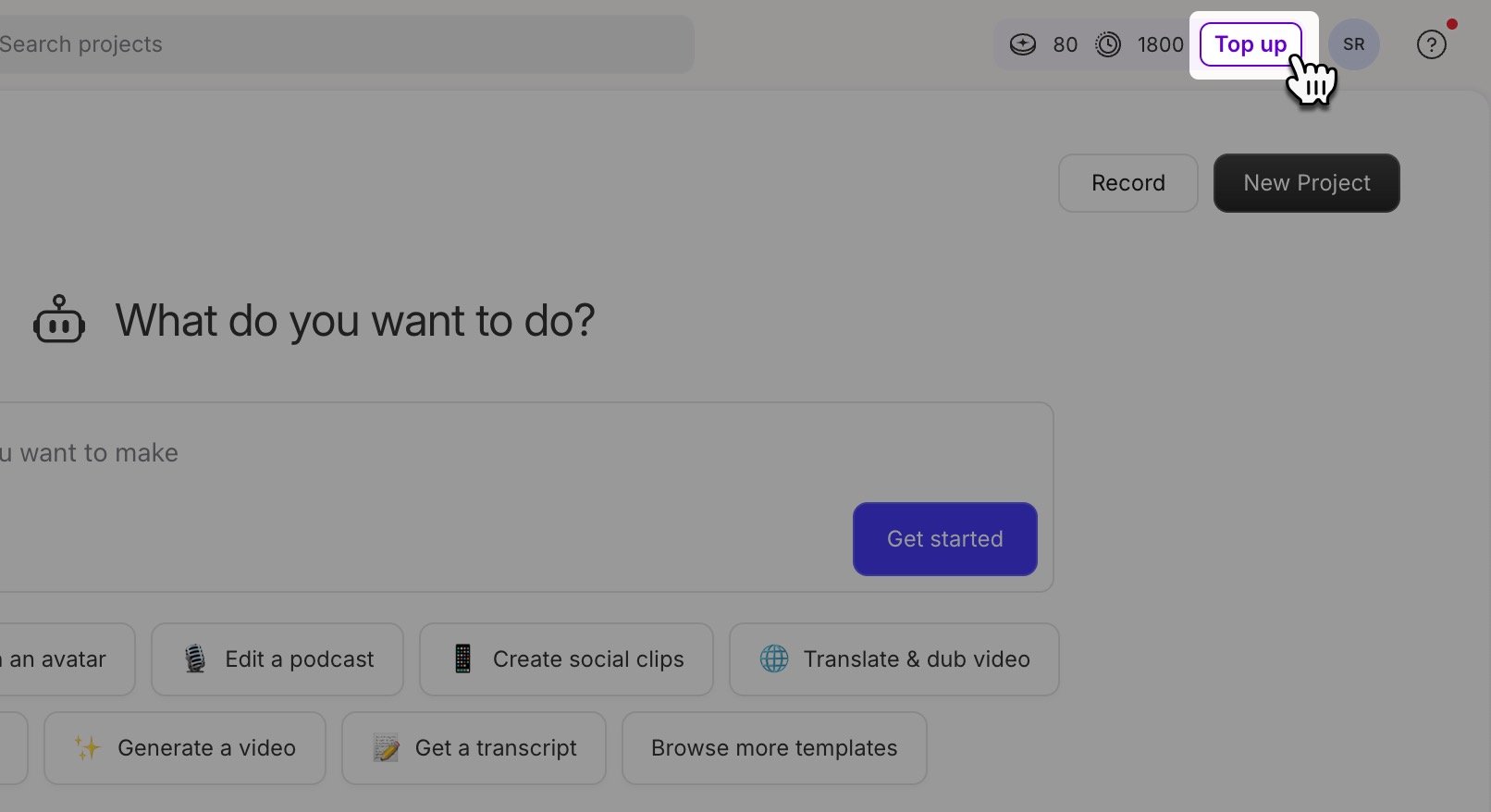
- Click the Usage tab in the left-hand pane, then click the Top up button in the banner near the top of the window.
- Select a bundle of AI Credits and/or media minutes.
- Complete the purchase.
Top up pricing
Top ups come in two types: AI Credits and Media Minutes (sold in hour bundles at checkout). Purchase AI Credits if you’re low on credits; purchase Media Minutes if you need more transcription time. Larger bundles bring the per-unit price down. Learn more about media minutes and AI credits.AI Credits
Media Minutes
Should I buy a top up or upgrade my plan?
Buy a top up if:- You’re experiencing a temporary spike in usage this month
- You’re working on a time-sensitive project with a deadline
- You want to avoid the long-term commitment of a higher monthly plan
- You consistently run out of Media Minutes or AI Credits monthly
- You need additional resources beyond usage (such as more seats or storage)
- You want to access premium features only available on higher-tier plans