

Requirements
Before installing the CLI, you’ll need Node.js 24 or higher. Visit nodejs.org to download and install the latest LTS version for your operating system.Install and set up
First, install the latest version of the CLI using npm.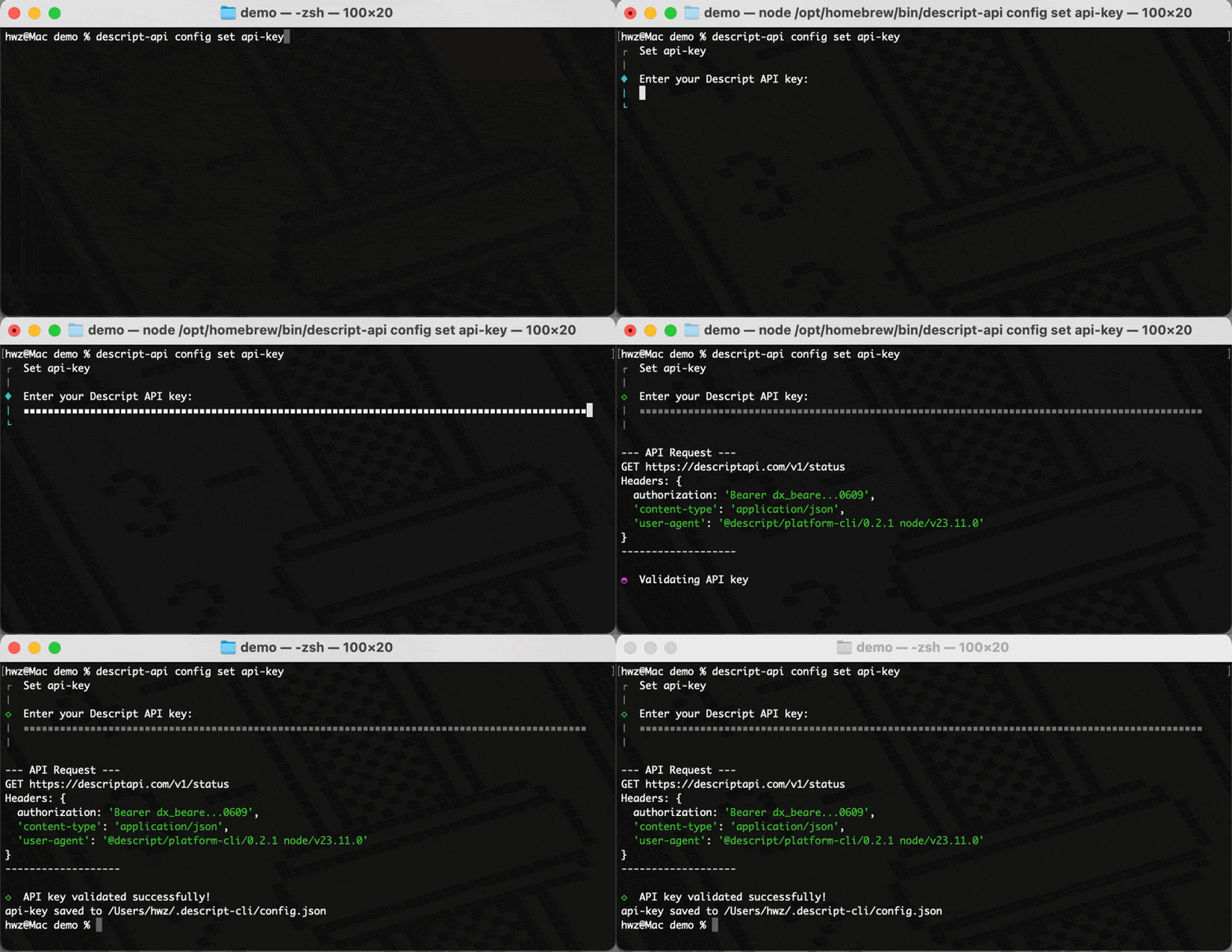
Import media
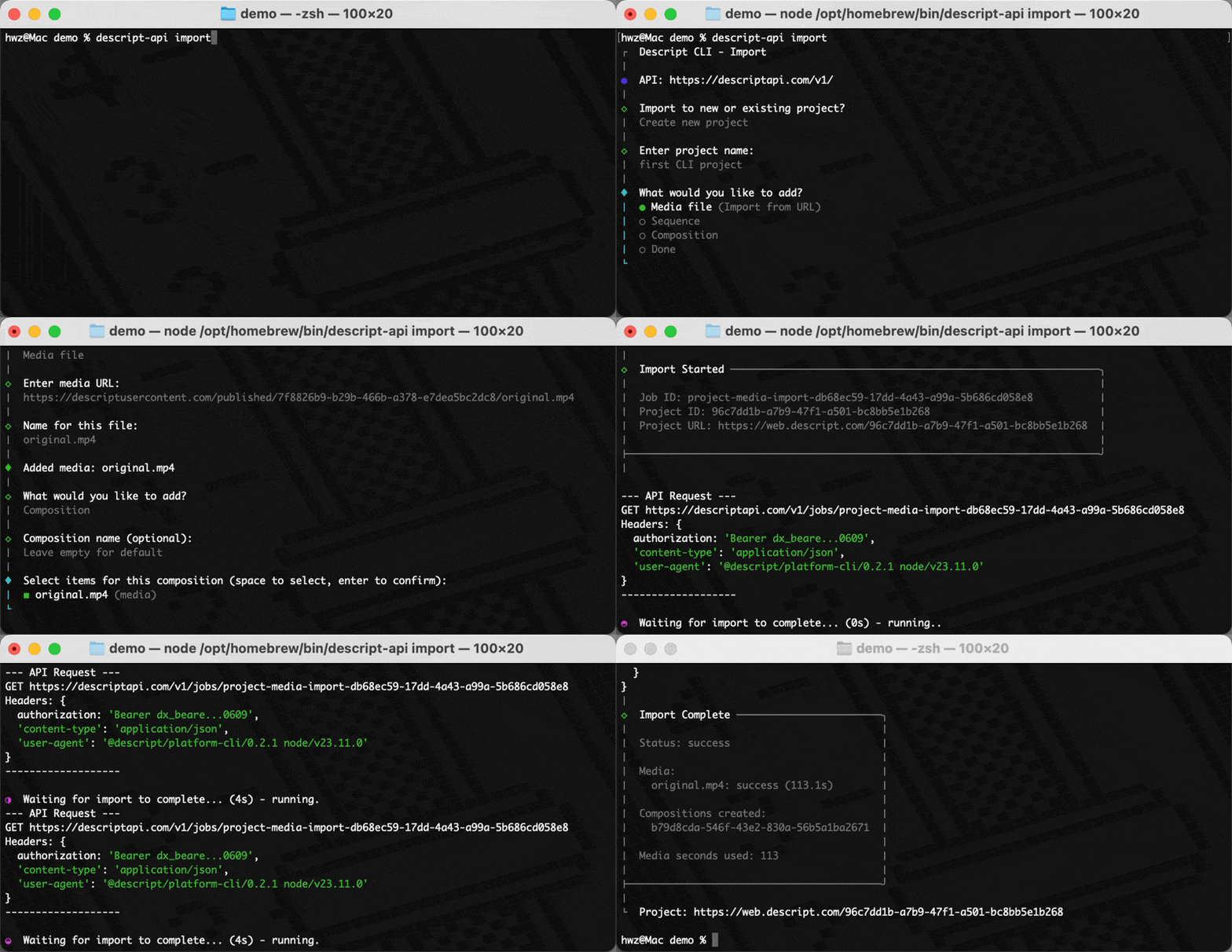
Use theimport command to create a project by passing a project name and the link to any media you want to upload, or run descript-api import for interactive mode. The CLI shows live progress and outputs the project ID when done.
Use the agent
Use theagent command to edit a project by passing in the project id and an Underlord prompt.
All commands
Rundescript-api help to see the full list of available commands and options.