

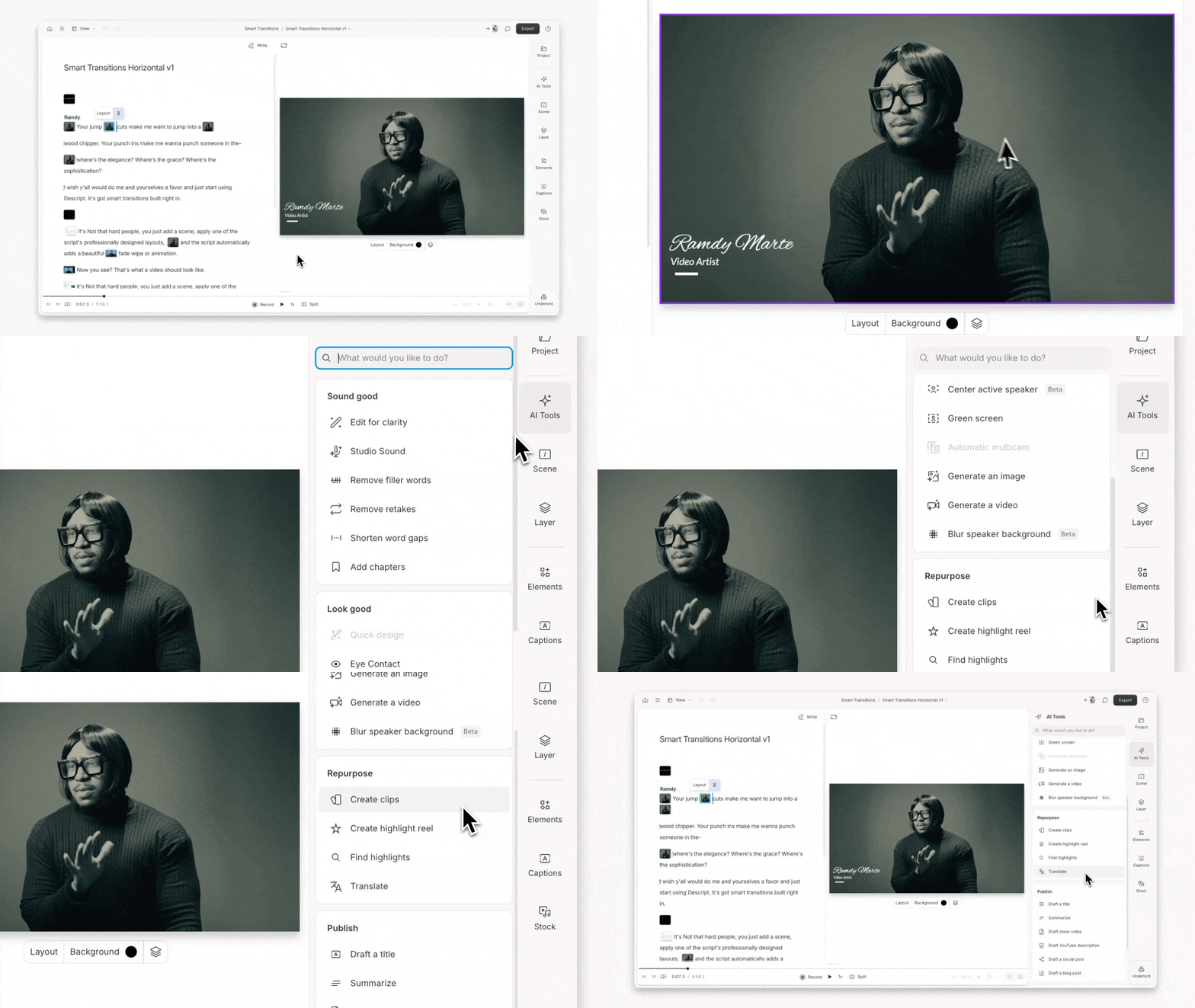
Repurpose with AI Tools

AI Tools in the Repurpose category help you turn longform content into clips, highlight reels, and translated versions of your project.

These tools analyze your script, surface engaging moments, and create editable drafts you can refine, share, or export.

Repurpose tools in Descript
Repurpose tools in the AI Tools panel

Usage note

On current plans, this feature uses AI Credits. Learn more about tracking your Media Minutes and AI Credits.

Legacy and Sunset plans track usage differently. See our Understanding your Legacy and Sunset plan guide for details.

Create clips

Extract shorter, shareable clips from your project with a single click. Choose how many you want, set their length, and optionally apply a layout. Clips are added to a new composition, ready to edit or export.

Create highlight reel

Combine your key moments into a teaser or recap video. This tool collects highlights and adds them to a new composition. Apply a layout (optional) to give it a finished look.

Find highlights

Automatically surface the most impactful parts of your content—main ideas, turning points, or quotable soundbites. This tool is useful for reels, pulling soundbites, or condensing a project to essentials.

Highlights appear in your script so you can review, refine, or build on them right away.

Translate

Translate your script into multiple languages, generate captions, and optionally dub the audio. Great for accessibility, localization, and global teams.

Learn more about the suite of translate and dubbing tools