> ## Documentation Index
> Fetch the complete documentation index at: https://help.descript.com/llms.txt
> Use this file to discover all available pages before exploring further.
# Find and Create Project Backup Files
> Find automatic backups or save a manual snapshot to restore your work.
Descript saves backup files automatically as you work, so you can recover a project that gets corrupted, won't sync, or loses edits. Need a checkpoint before a big change? Save a manual backup anytime.
## How to view automatic backups
1. Open or [create a new project](/getting-started/create-a-new-project).
2. Click the **☰** menu in the top-left corner of the window.
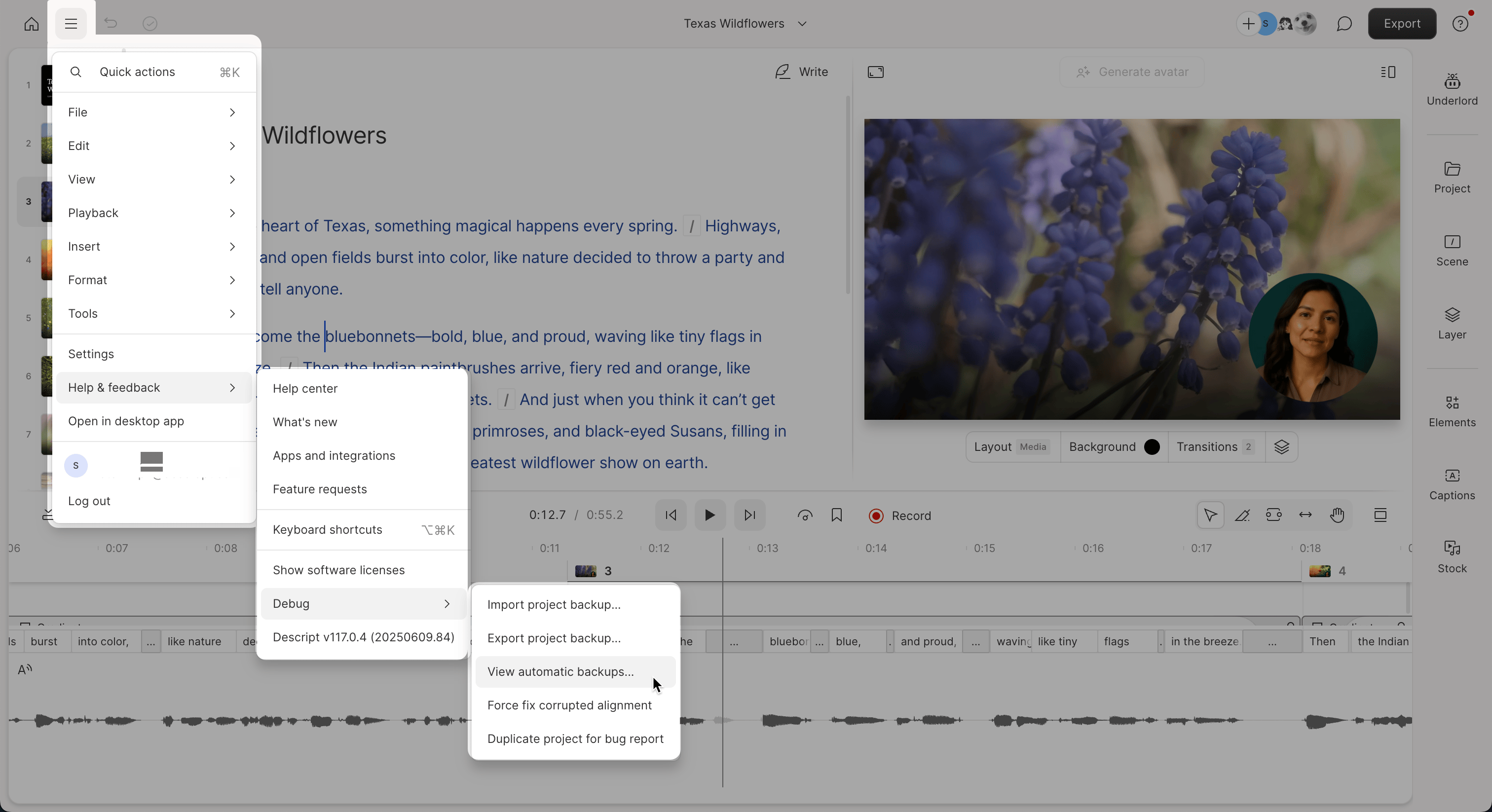
3. Select **Help & feedback > Debug > View automatic backups**.
4. Choose a backup from the list to preview or restore.
 ## Create a manual backup
1. Open the project you want to back up.
2. Click the **☰** menu in the top-left corner, then select **Help & feedback > Debug > Export project backup**.
3. Choose a destination, name your file (e.g. `MyProjectBackup.debackup`), then click **Save**.
## Create a new project from an imported backup
1. Open an existing project or [create a new one](/getting-started/create-a-new-project).
2. Click the **☰** menu in the top-left corner, then go to **Help & feedback > Debug > Import project backup**.
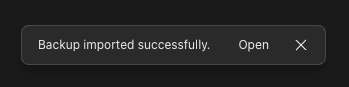
3. Select your backup file and click **Import**. Descript will create a new project using the backup file. You’ll see a confirmation message, and the new project will include **(Backup Import)** in the title.\
![]()
## Create a manual backup
1. Open the project you want to back up.
2. Click the **☰** menu in the top-left corner, then select **Help & feedback > Debug > Export project backup**.
3. Choose a destination, name your file (e.g. `MyProjectBackup.debackup`), then click **Save**.
## Create a new project from an imported backup
1. Open an existing project or [create a new one](/getting-started/create-a-new-project).
2. Click the **☰** menu in the top-left corner, then go to **Help & feedback > Debug > Import project backup**.
3. Select your backup file and click **Import**. Descript will create a new project using the backup file. You’ll see a confirmation message, and the new project will include **(Backup Import)** in the title.\
![]()