> ## Documentation Index
> Fetch the complete documentation index at: https://help.descript.com/llms.txt
> Use this file to discover all available pages before exploring further.
# Reorder Scenes
> Move or change the order of scenes in your Descript composition.
Scenes play in the order they're stacked, so reordering a [scene](/getting-started/scenes) changes where that part of your video happens.
**New to scenes?**
Scenes are the building blocks of your video. If you're not familiar with how scenes work in Descript, check out the [Scenes overview guide](/getting-started/scenes) first.
## How to reorder scenes
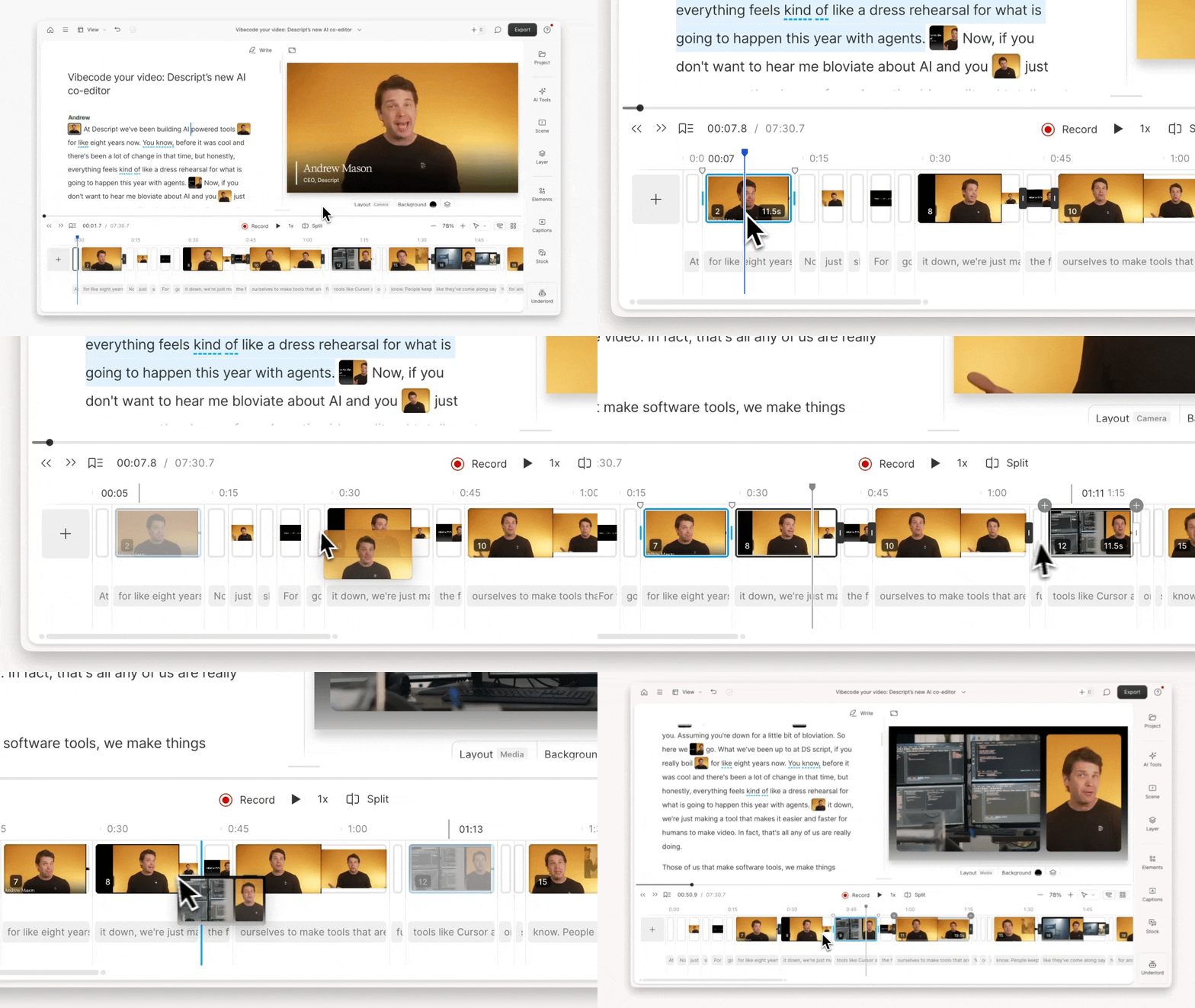
You can reorder scenes from the [timeline](/timeline/timeline-overview) in the default Timeline View or from Storyboard view. Click the scene thumbnail, then drag and drop it into a new position. Release when the guide line shows your desired drop location.