> ## Documentation Index
> Fetch the complete documentation index at: https://help.descript.com/llms.txt
> Use this file to discover all available pages before exploring further.
# Progress Bars
> Add a progress bar and set its style, color, and start and end points.
Progress bars visually indicate the playback progress of a video or segment.
[ ](/images/external/descript-10301666310797-f909598313.gif)
## Add a progress bar
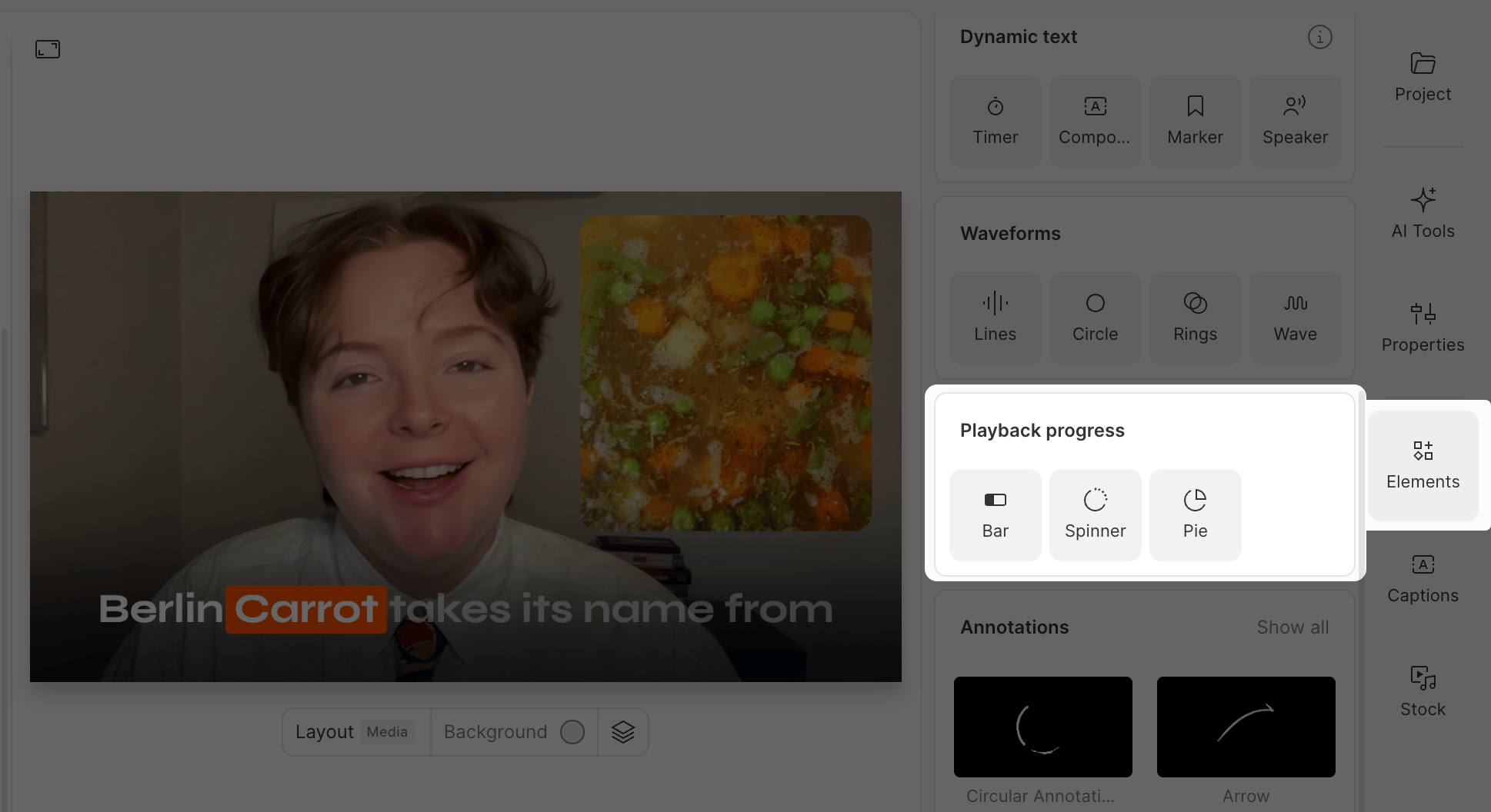
To add a progress bar, open the **Elements** panel and select one of the progress bar options.
](/images/external/descript-10301666310797-f909598313.gif)
## Add a progress bar
To add a progress bar, open the **Elements** panel and select one of the progress bar options.
 ## Customize progress bar properties
Select a progress bar and adjust its appearance in the [Properties panel](/descript-tour/properties-panel).
| | |
| --------------------- | ---------------------------------------------------------------------- |
| **Color and opacity** | Change the color and transparency of the bar. |
| **Style** | Choose from Bar, Ring, or Pie styles. |
| **Start** | Set the starting percentage. For example, 25% begins one-quarter full. |
| **End** | Set the ending percentage. For example, 50% fills the bar halfway. |
## Customize progress bar properties
Select a progress bar and adjust its appearance in the [Properties panel](/descript-tour/properties-panel).
| | |
| --------------------- | ---------------------------------------------------------------------- |
| **Color and opacity** | Change the color and transparency of the bar. |
| **Style** | Choose from Bar, Ring, or Pie styles. |
| **Start** | Set the starting percentage. For example, 25% begins one-quarter full. |
| **End** | Set the ending percentage. For example, 50% fills the bar halfway. |