> ## Documentation Index
> Fetch the complete documentation index at: https://help.descript.com/llms.txt
> Use this file to discover all available pages before exploring further.
# Share a Custom Layout Pack
> Share a published custom layout pack with your Drive members or publicly with other Descript users.
Sharing a custom layout pack lets your teammates build with the same on-brand layouts you designed, or puts your design in front of the whole Descript community. Packs stay private until you share them.
1. In the [Drive view](/descript-tour/drive-view), open the **Layout packs** tab and locate the layout pack you want to share. You may need to toggle the view to see private packs.
2. Click **Publish changes**, then click the link icon  in the bottom corner of the publish window. Clicking the button will copy a shareable link.
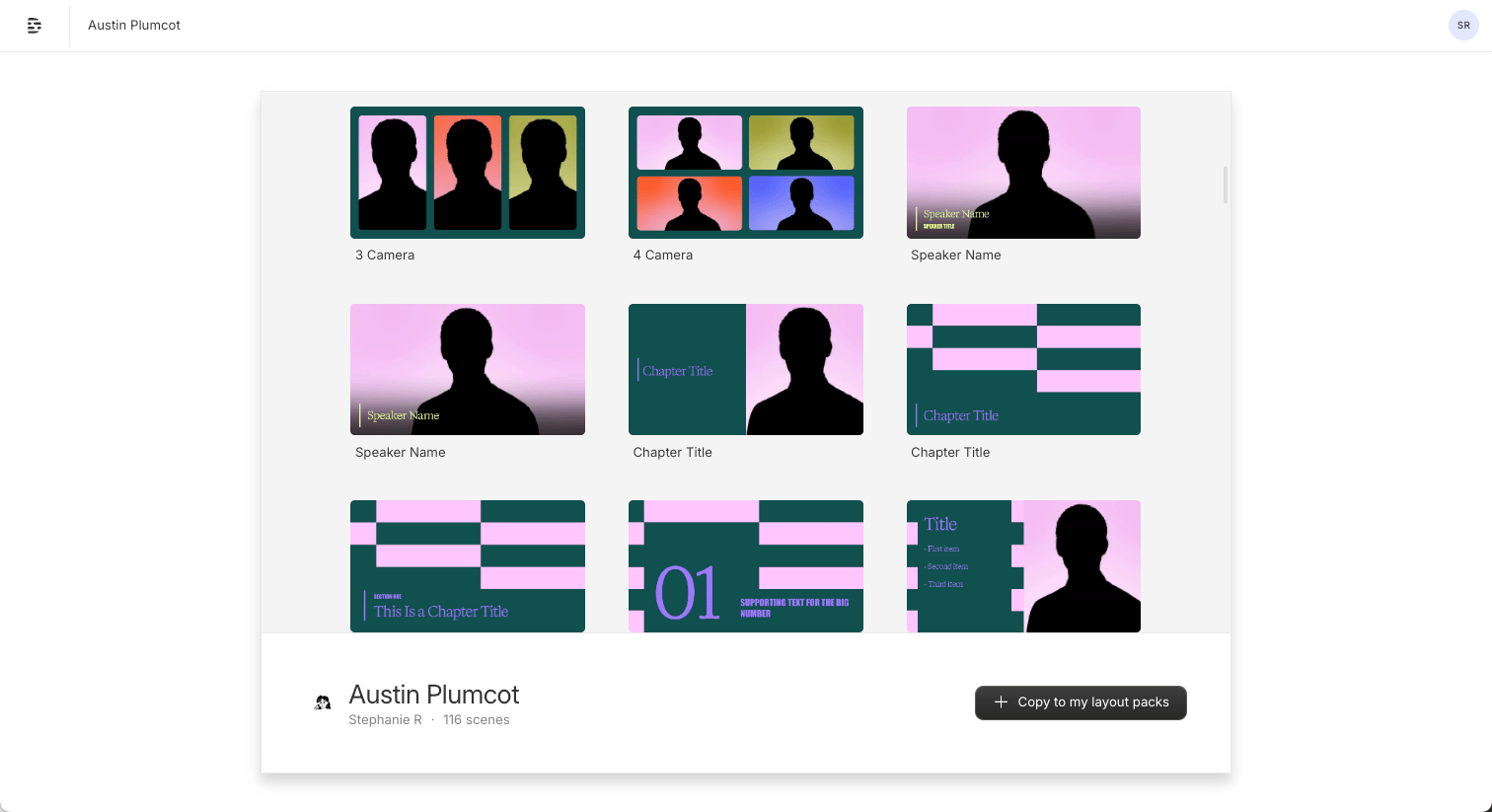
3. Share the link. The recipient can save the layout pack to their own Drive by clicking the **+ copy to my layout packs** button.
in the bottom corner of the publish window. Clicking the button will copy a shareable link.
3. Share the link. The recipient can save the layout pack to their own Drive by clicking the **+ copy to my layout packs** button.
 **Need to export a layout pack?**
You can’t export a layout pack as a video file from the layout pack project. To export, copy the contents to a new Descript project first.
**Need to export a layout pack?**
You can’t export a layout pack as a video file from the layout pack project. To export, copy the contents to a new Descript project first.