> ## Documentation Index
> Fetch the complete documentation index at: https://help.descript.com/llms.txt
> Use this file to discover all available pages before exploring further.
# Troubleshooting "Must Be the Descript Drive Owner to Connect" Error
> Fix the drive owner error when linking SquadCast to Descript.
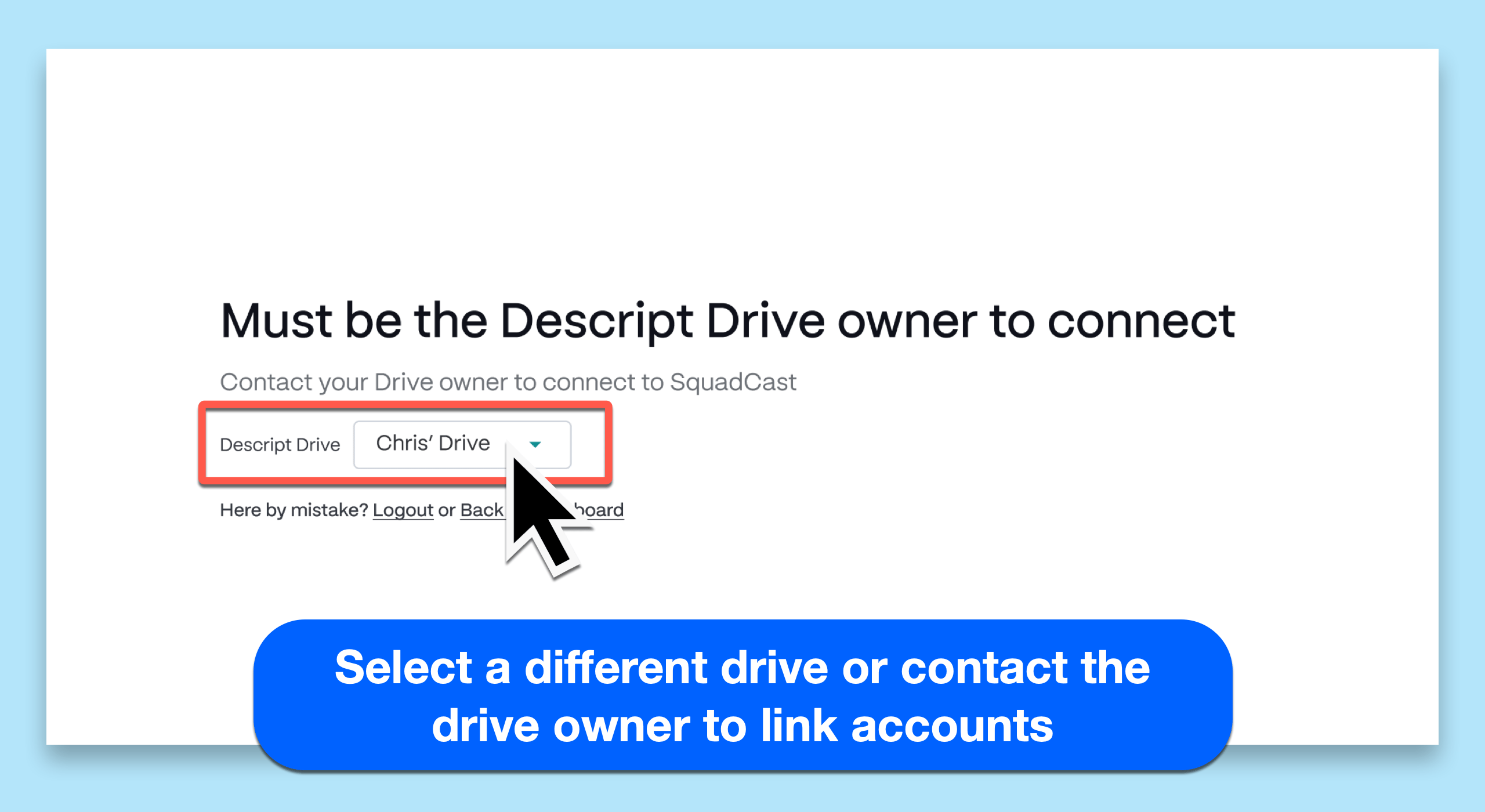
This error usually means you're not the owner of the [Descript drive](/descript-tour/drive-view) you're linking to SquadCast, even if you can access it. Only the drive owner can make the connection.
## How to resolve this issue
[ ](/images/external/descript-18365643016717-c6671da1ab.png)
If you encounter this issue, there are two ways to move forward:
* **Switch to a drive you own:** Use the Descript drive dropdown to select a drive where you are the owner.
* **Ask the drive owner to connect:** If you're using the correct drive but aren’t the owner, ask the drive owner to complete the connection. They can follow the steps in this [guide to linking Descript and SquadCast](https://help.descript.com/hc/en-us/articles/17919610738317).
**Looking for an easier way to record with guests?**
[Rooms](https://www.descript.com/rooms) is our fully integrated recording and collaboration experience inside Descript — no linking or extra setup required. It's a great alternative to SquadCast for quick, collaborative recordings with guests, editors, or producers.
](/images/external/descript-18365643016717-c6671da1ab.png)
If you encounter this issue, there are two ways to move forward:
* **Switch to a drive you own:** Use the Descript drive dropdown to select a drive where you are the owner.
* **Ask the drive owner to connect:** If you're using the correct drive but aren’t the owner, ask the drive owner to complete the connection. They can follow the steps in this [guide to linking Descript and SquadCast](https://help.descript.com/hc/en-us/articles/17919610738317).
**Looking for an easier way to record with guests?**
[Rooms](https://www.descript.com/rooms) is our fully integrated recording and collaboration experience inside Descript — no linking or extra setup required. It's a great alternative to SquadCast for quick, collaborative recordings with guests, editors, or producers.