> ## Documentation Index
> Fetch the complete documentation index at: https://help.descript.com/llms.txt
> Use this file to discover all available pages before exploring further.
# Descript for Web
> Work in Descript directly in your web browser.
Run the full Descript editor in a browser tab, no install required.
Prefer to work from a desktop app? Download and install Descript with the steps in this guide: [Download and install Descript](/getting-started/install).
## How to access Descript for Web
Open a browser window and sign in to your account at [web.descript.com](https://web.descript.com). That’s it!
## Browser and platform support
Descript for Web works best on Chromium-based browsers such as **Google Chrome**, **Microsoft Edge**, and **Opera**.
You may encounter issues in Safari. We do not support non-Chromium browsers such as Firefox or Internet Explorer. Descript is not designed for small mobile screens or tablets.
## Recording permissions
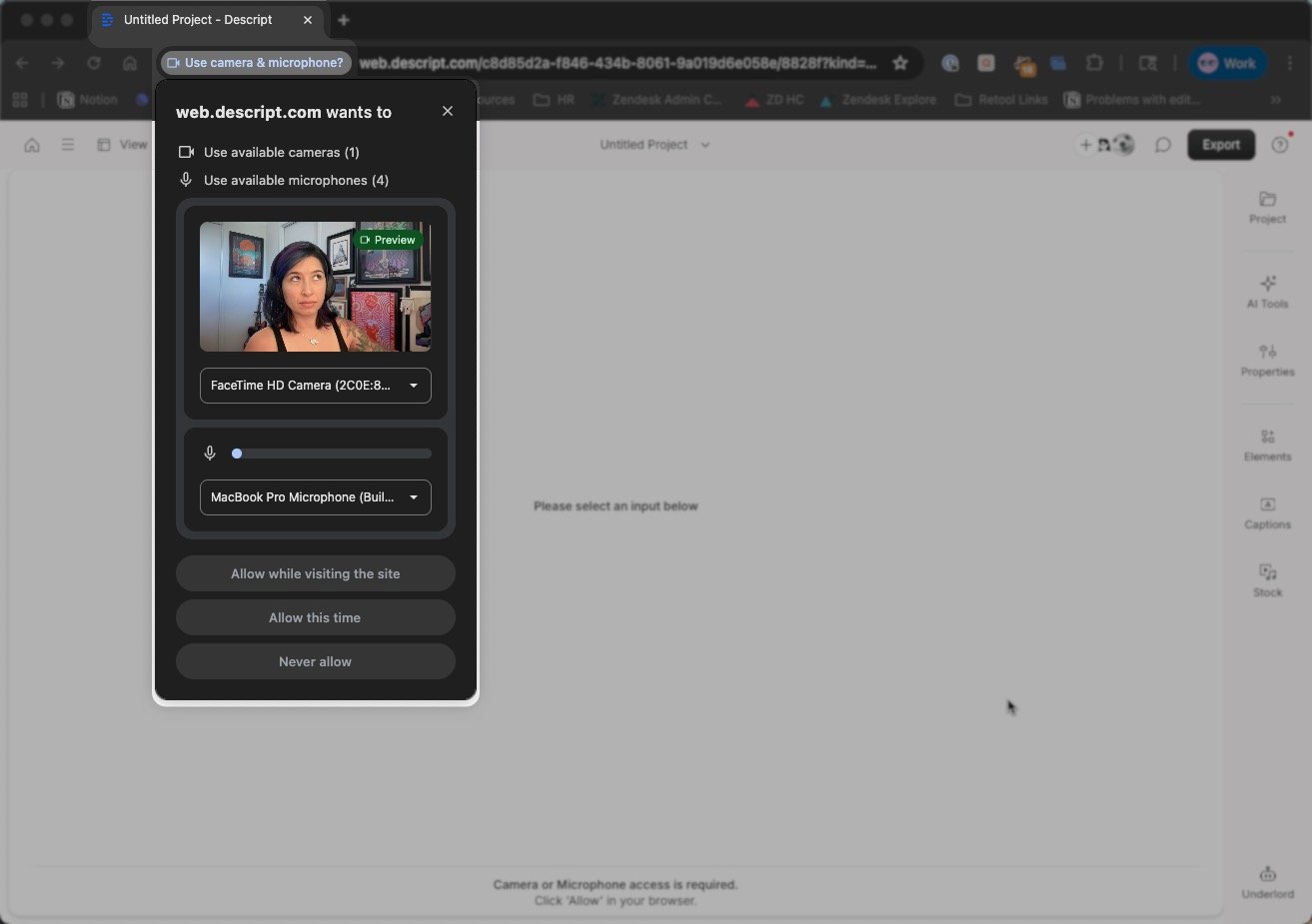
When you record in Descript for Web for the first time, grant browser access to your camera and microphone.
 **Keep learning and exploring**
Now that you're set up in Descript for Web, explore our getting started videos and tutorials to learn how to record, edit, and publish right in your browser — all in [Learn Descript.](https://web.descript.com/learn-descript?utm_source=hcarticles)
**Keep learning and exploring**
Now that you're set up in Descript for Web, explore our getting started videos and tutorials to learn how to record, edit, and publish right in your browser — all in [Learn Descript.](https://web.descript.com/learn-descript?utm_source=hcarticles)