> ## Documentation Index
> Fetch the complete documentation index at: https://help.descript.com/llms.txt
> Use this file to discover all available pages before exploring further.
# Export Your Content to VideoAsk
> Send a finished Descript video to VideoAsk.
1. Click **Export** at the top-right corner of your editor. Then, select **VideoAsk** from the list of destination options.\\
 At this point, Descript will also export an unlisted share page of your content.
2. You will then be redirected to a web browser where you can sign into your VideoAsk account (or create a new account if you have not yet signed up).
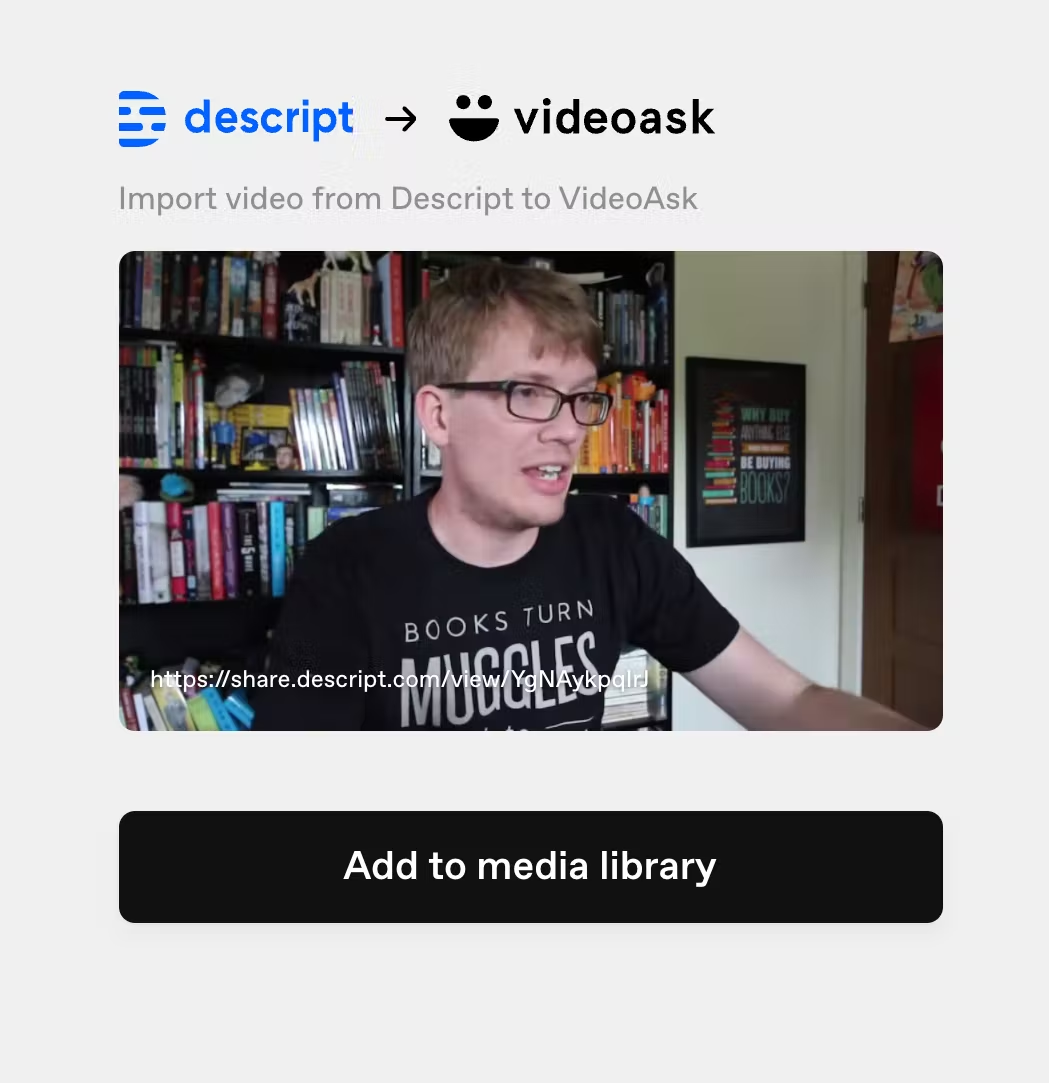
3. After logging in, click **Add to Media Library** to import your video into VideoAsk.
[
At this point, Descript will also export an unlisted share page of your content.
2. You will then be redirected to a web browser where you can sign into your VideoAsk account (or create a new account if you have not yet signed up).
3. After logging in, click **Add to Media Library** to import your video into VideoAsk.
[ ](/images/external/descript-10322684413197-9180e09fef.avif)
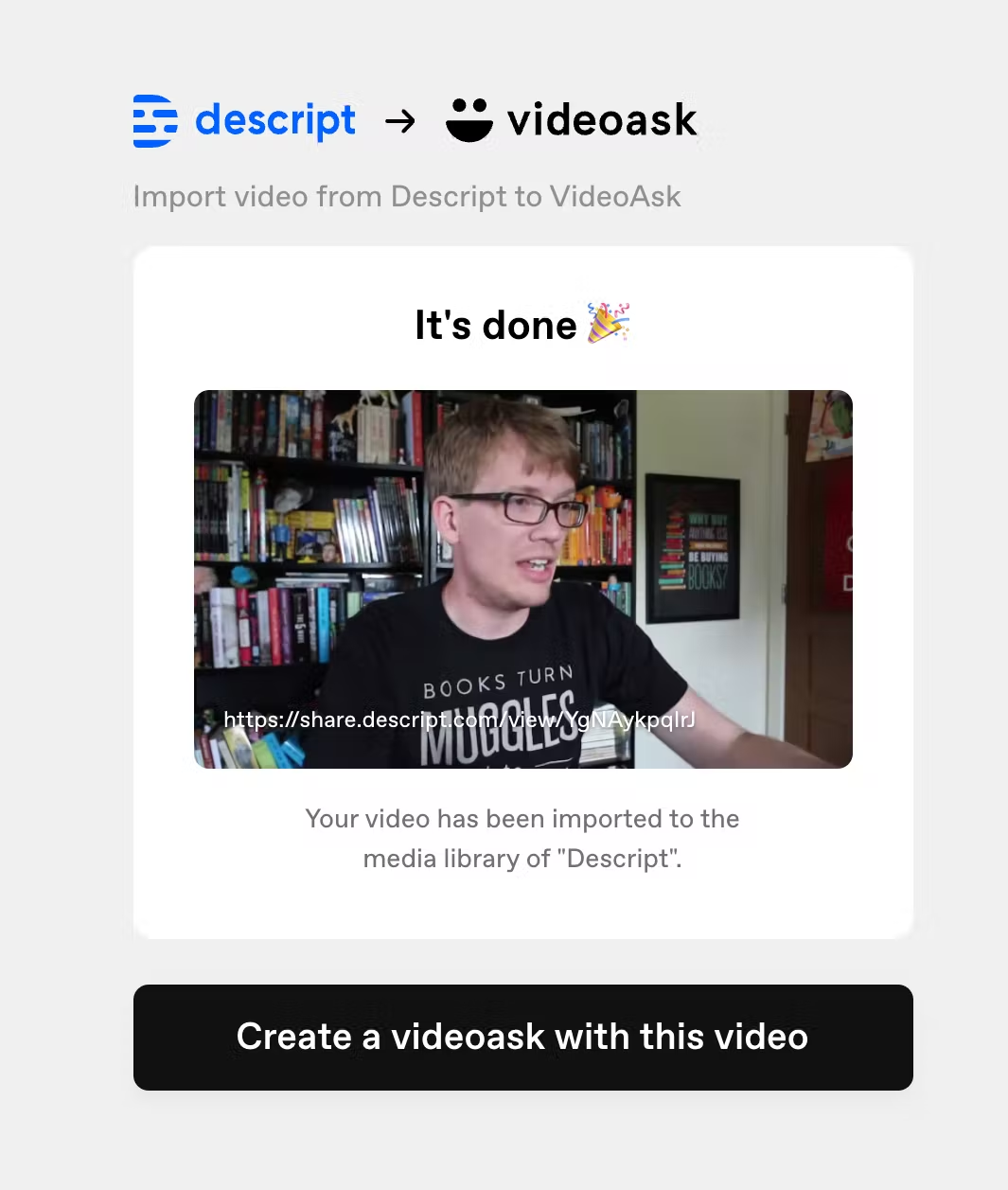
4. Once the import has been completed, you can create a VideoAsk with the imported video.
[
](/images/external/descript-10322684413197-9180e09fef.avif)
4. Once the import has been completed, you can create a VideoAsk with the imported video.
[ ](/images/external/descript-10322684432141-46eb0bc569.avif)