> ## Documentation Index
> Fetch the complete documentation index at: https://help.descript.com/llms.txt
> Use this file to discover all available pages before exploring further.
# Navigating Descript
> Get oriented in Descript's two main spaces, the Drive view and the editor.
## Welcome to Descript
Descript is a powerful creative platform that brings together audio and video editing, screen recording, publishing, and AI-powered tools — all in one workspace.
When you open Descript, you’ll spend most of your time in one of two places:
* [**The Drive view**](/descript-tour/drive-view) — your home base, where you can access all your projects, AI speakers, custom layouts, and the Learn Descript hub.
* [**The editor**](/descript-tour/the-editor-interface)— where you create and edit content inside Descript projects and compositions.
## What’s a Drive?
All Descript subscriptions — even Free — include a **Drive**, a central workspace for your projects, layout packs, shared AI speakers, and more. [Learn how to set up and manage your Drive.](https://help.descript.com/hc/en-us/articles/10248638387085)
## The Drive view
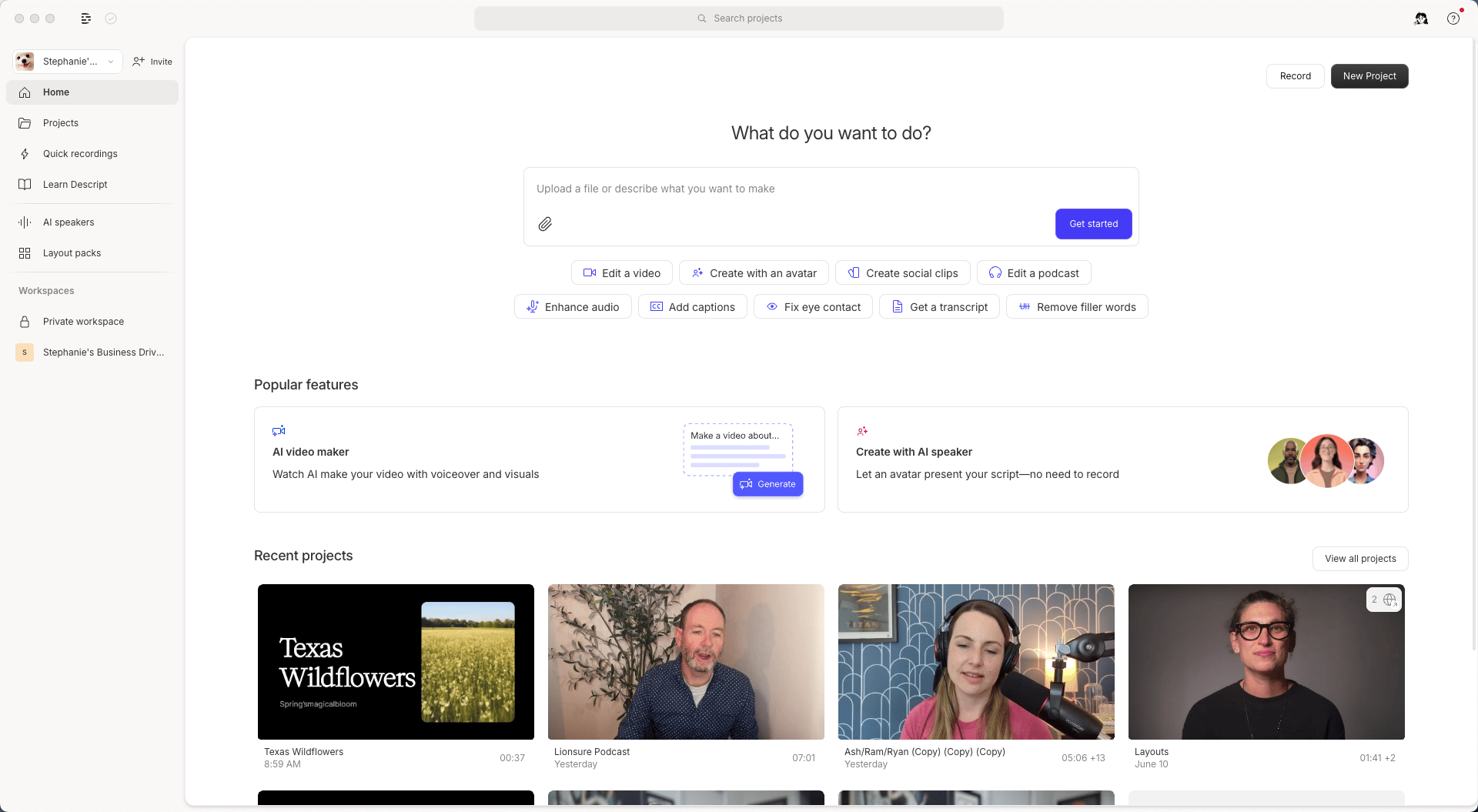
The Drive view is where you manage and organize your projects, team members, subscriptions, and workspace content. [Take a tour of the Drive view](/descript-tour/drive-view)
 ## The editor
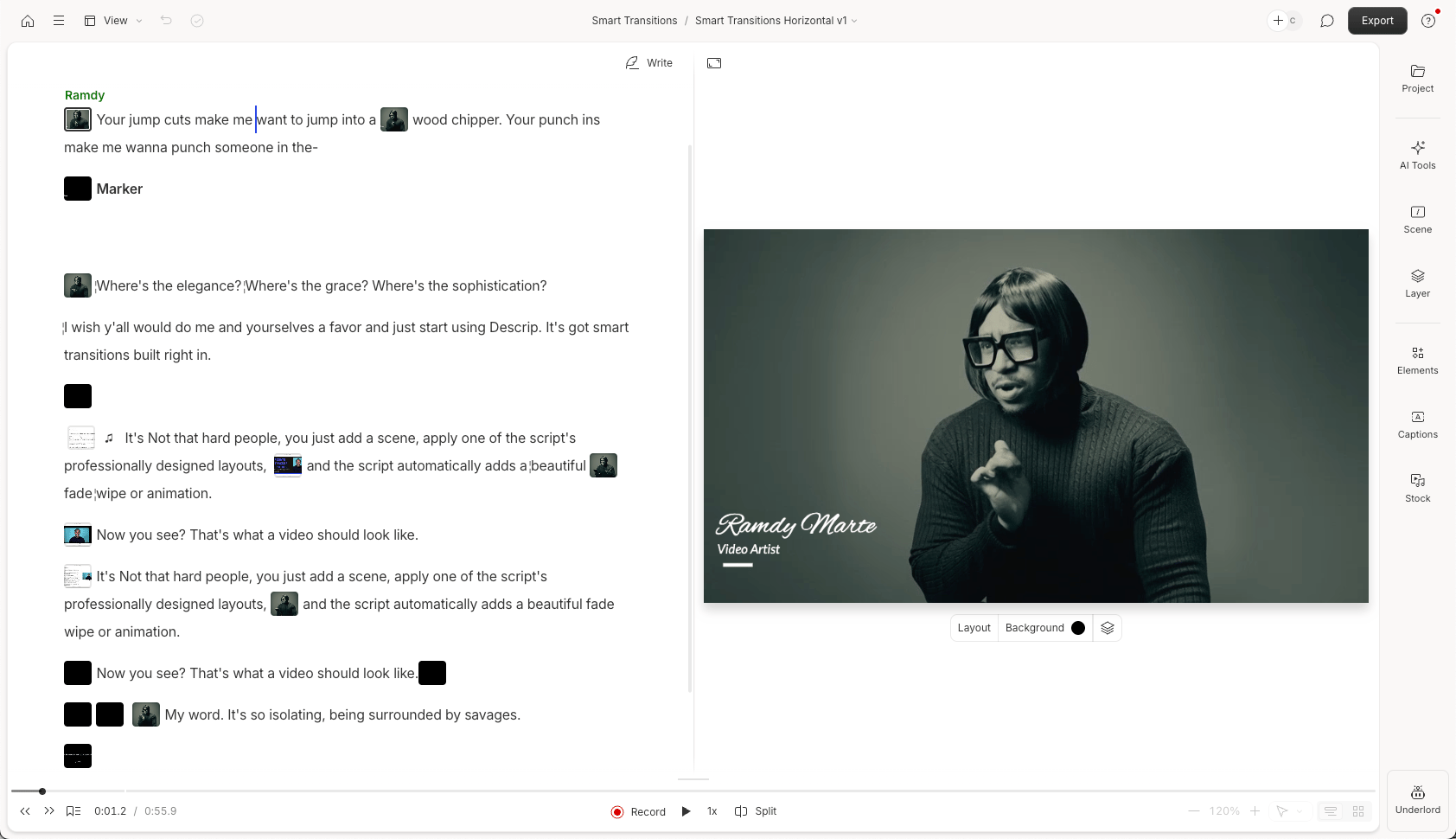
Inside a project, the editor is your creative workspace — where you edit scripts, audio, visuals, and more. It’s where all the hands-on editing happens. [Get to know the editor interface](/descript-tour/the-editor-interface)
## The editor
Inside a project, the editor is your creative workspace — where you edit scripts, audio, visuals, and more. It’s where all the hands-on editing happens. [Get to know the editor interface](/descript-tour/the-editor-interface)
 ## What’s next?
To get started, explore both areas of the app:
* Visit the [Drive view](/descript-tour/drive-view) to see how your projects and team content are organized.
* Learn your way around [the editor interface](/descript-tour/the-editor-interface) and start creating.
## What’s next?
To get started, explore both areas of the app:
* Visit the [Drive view](/descript-tour/drive-view) to see how your projects and team content are organized.
* Learn your way around [the editor interface](/descript-tour/the-editor-interface) and start creating.