> ## Documentation Index
> Fetch the complete documentation index at: https://help.descript.com/llms.txt
> Use this file to discover all available pages before exploring further.
# Non-Profit and Education Subscription
> Descript offers discounted pricing for nonprofits, schools, and educational institutions.
If you're a student, teacher, academic staffer, or a qualifying 501(c)(3) nonprofit, Descript is available at a reduced rate. It's sometimes called the nonprofit discount or education plan.
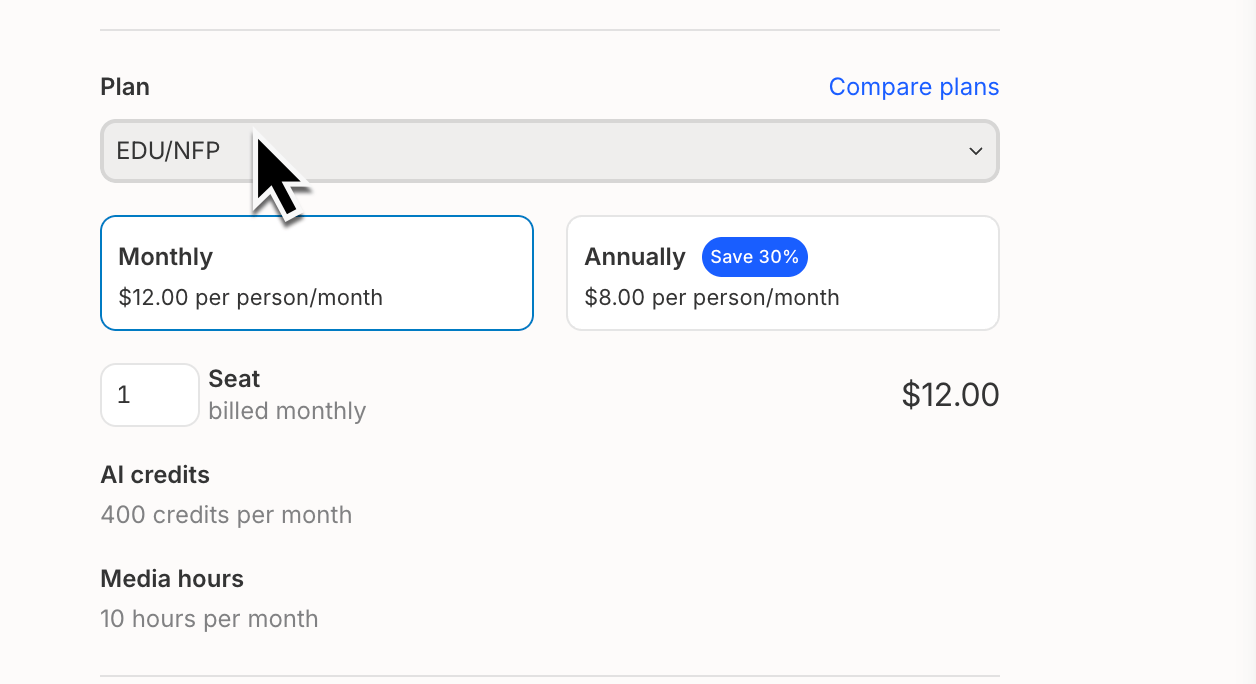
Eligible teams can subscribe for **$12 per Editor/month (paid monthly)** or **$8 per Editor/month (paid annually).**
**On a Legacy or Sunset plan?**
This article explains how the Non-profit / Education plan works with Descript’s current plans. If you’re on a Legacy or Sunset plan, details may be different. See our [Understanding your Legacy and Sunset plan](/billing-payments-plans/legacy-sunset) guide for more info.
## Who qualifies and how to apply
The Non-profit / Education plan is available to:
* Nonprofit organizations with valid charitable status (501(c)(3) or equivalent)
* Students, educators, and administrators at accredited educational institutions
**To apply:**
1. [Create a free Descript account](/getting-started/create-account) using your nonprofit or school email address.
2. [Add a payment method](/billing-payments-plans/update) (you won’t be charged yet).
3. Submit the [application form](https://descript.notion.site/e677e85ecdec4c87ba2f3a5644895e9f). Our team will review your request and follow up by email.
## What’s included in the EDU/NFP subscription
The Non-profit / Education plan includes all features of the **Hobbyist** plan at a discounted price. For a full feature list, visit our [pricing page](https://www.descript.com/pricing) and refer to the **Hobbyist** column. The EDU/NFP subscription is the only Descript plan available at a discounted rate.
The Non-profit / Education plan is best suited for individual creators. We’re proud to support educators and nonprofit organizations of all sizes, and we’re excited when you want to bring Descript to your team. If you need additional seats or higher usage limits, consider one our **Creator** or **Business** plans to better support your workflow.
## How to switch your plan after approval
Once your application is approved, switch your Drive to the EDU/NFP subscription with these steps:
1. Sign in to Descript from the desktop app or at [web.descript.com](https://web.descript.com).
2. Open [App Settings](/account-and-app-settings/app-settings), keyboard shortcut `Command/Control + , (comma)`
3. Go to the **Plan** tab. If you have multiple Drives, use the Drive selector to confirm you’re updating the correct one.
4. Click **Change plan**.
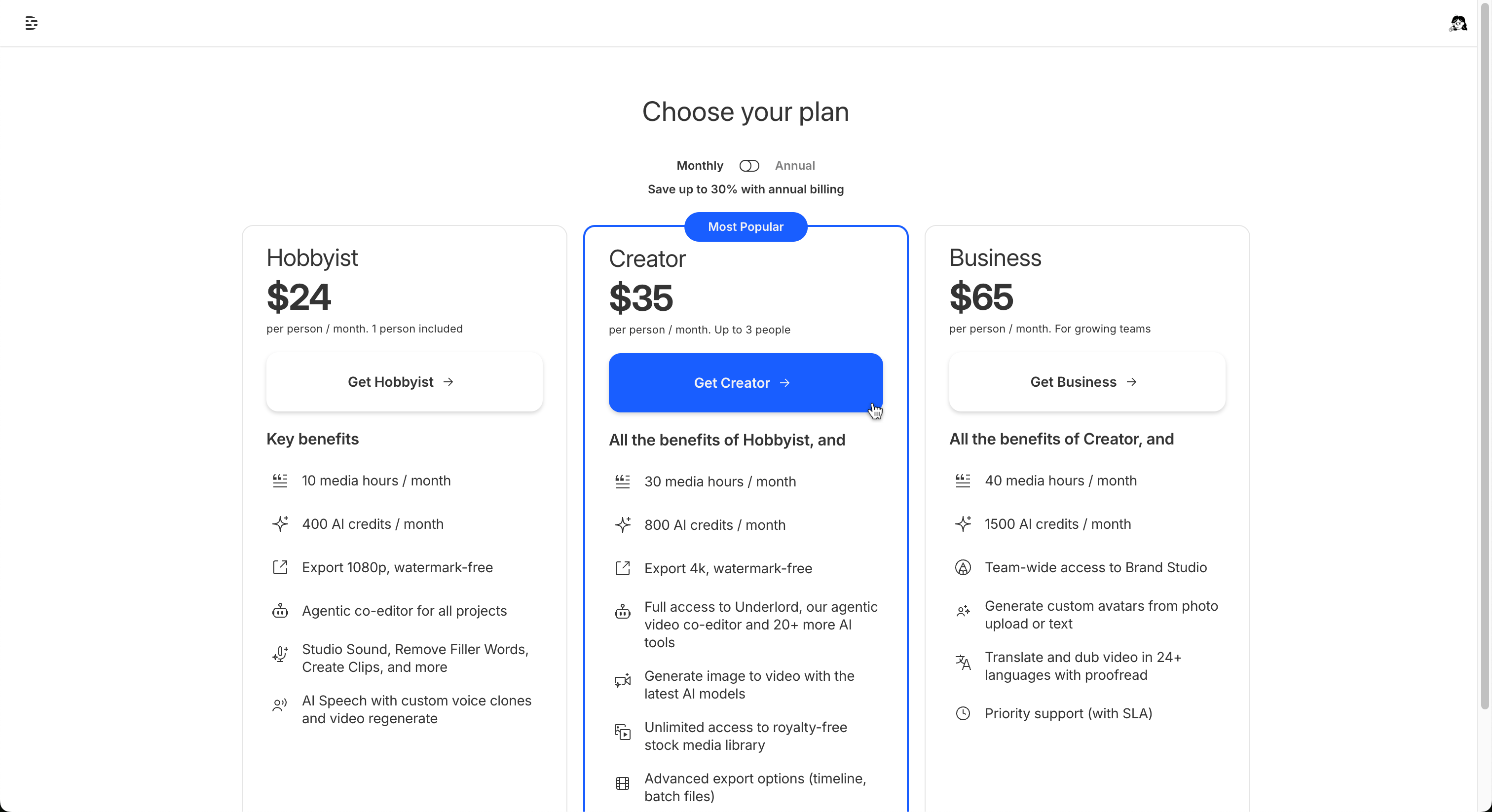
5. In the window that opens, **select any one of the available paid plan options to continue** (you won't be charged yet).\\
 6. On the next screen, under the **Plan** section, select the **EDU/NFP** option from the dropdown menu.
7. On the final screen, adjust your Editor seat count as needed.\\
6. On the next screen, under the **Plan** section, select the **EDU/NFP** option from the dropdown menu.
7. On the final screen, adjust your Editor seat count as needed.\\
 8. Add your payment method, then click **Save changes** to complete the payment.