> ## Documentation Index
> Fetch the complete documentation index at: https://help.descript.com/llms.txt
> Use this file to discover all available pages before exploring further.
# Manage your AI Speakers
> View, manage, and share your custom AI voices from the Drive view.
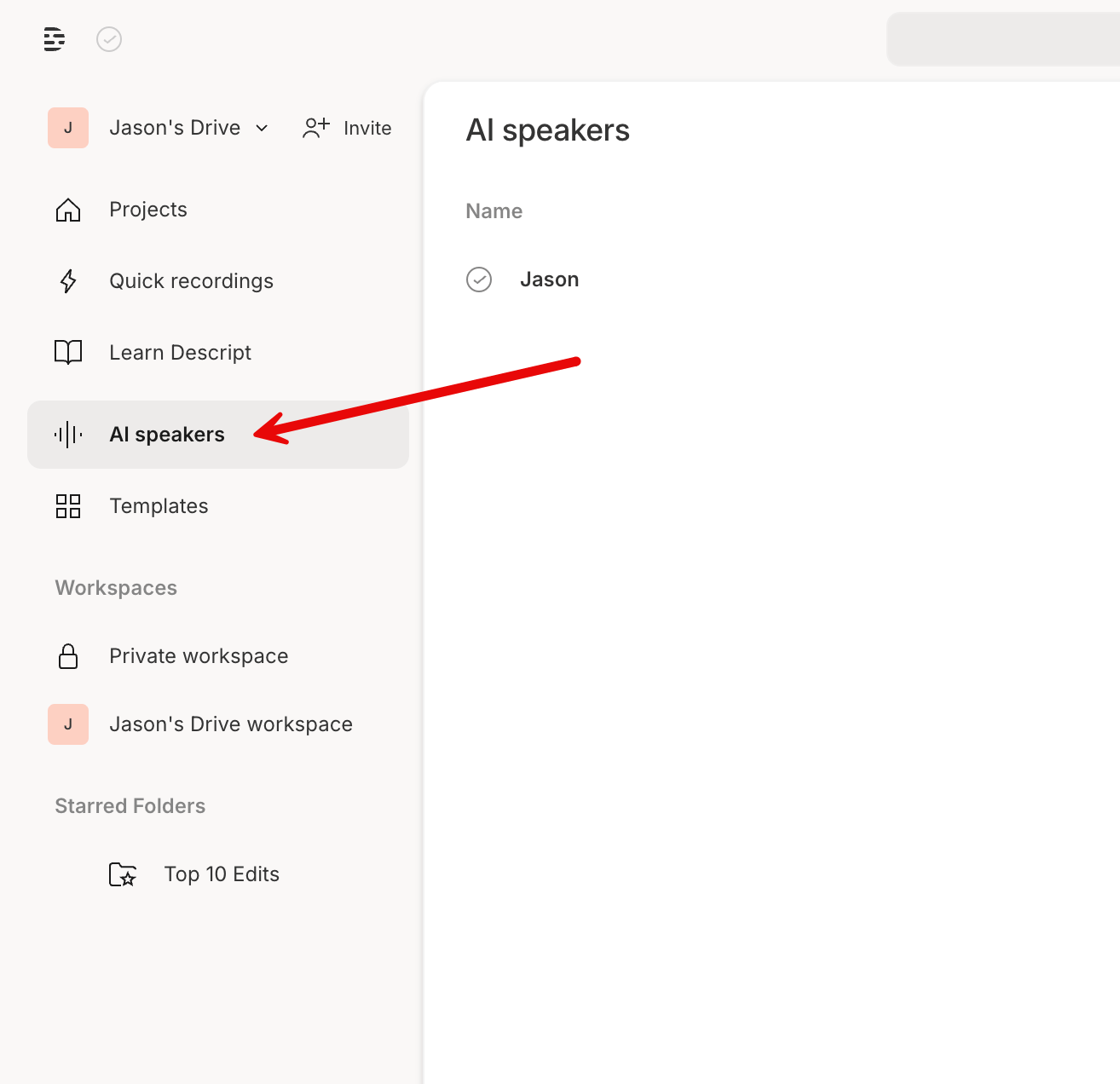
Every custom AI Speaker you create is saved to your drive, where you can reuse it across projects or share it with teammates. Find them all under the **AI Speakers** tab in the [Drive view](/descript-tour/drive-view).
 ## Manage AI Speaker details
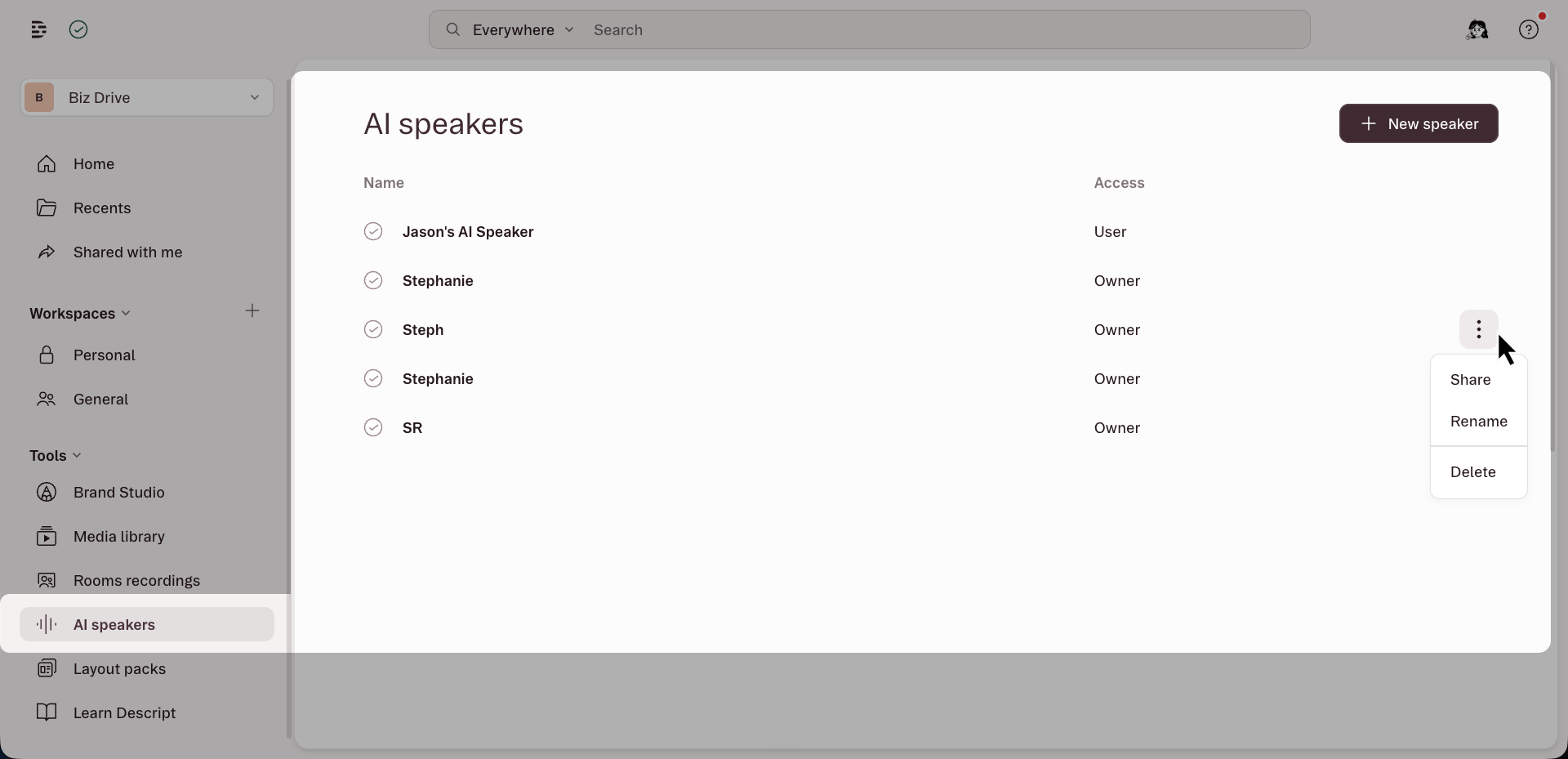
You can also manage your AI Speaker details by opening the AI Speakers tab in the Drive view. Select the options icon at the right to see the Speaker details.
## Manage AI Speaker details
You can also manage your AI Speaker details by opening the AI Speakers tab in the Drive view. Select the options icon at the right to see the Speaker details.
 | Action | Description |
| ---------------- | ----------------------------------------------------------------------------------------------------------------------------------------------------- |
| **Share voice** | Share access to use your AI Speaker with other drive members |
| **Rename voice** | Change the name of your AI Speaker as displayed in the main editor |
| **Delete voice** | Delete your AI Speaker (and training session for Classic voices).
| Action | Description |
| ---------------- | ----------------------------------------------------------------------------------------------------------------------------------------------------- |
| **Share voice** | Share access to use your AI Speaker with other drive members |
| **Rename voice** | Change the name of your AI Speaker as displayed in the main editor |
| **Delete voice** | Delete your AI Speaker (and training session for Classic voices).
Deleting an AI speaker is permanent; deleted voices cannot be recovered. |
## Sharing AI Speakers
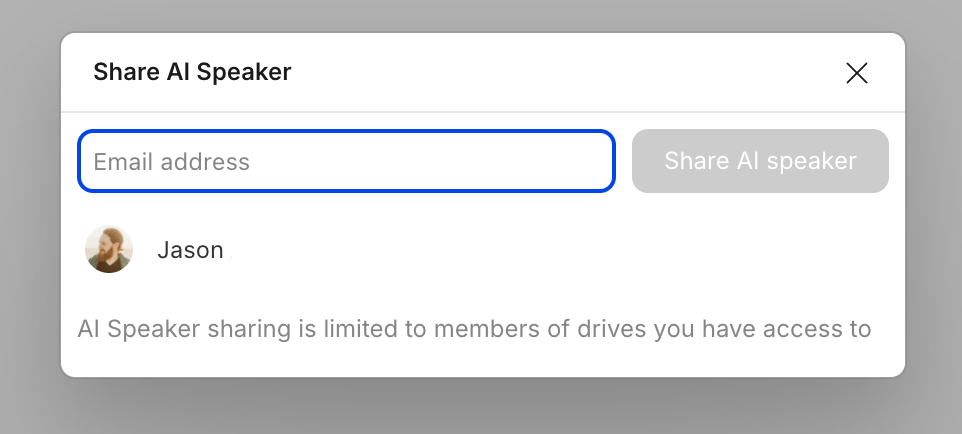
After you [create and train a custom AI Speaker](/ai-speech/custom-speaker), you'll be able to use that Speaker on any of the drives you have access to. You can also share access to your AI Speaker with members of your Drive, so they can use it, too.